Changing your language is pretty straightforward and can be done at any time whenever you are logged in. Follow these simple steps and job's a good'un!
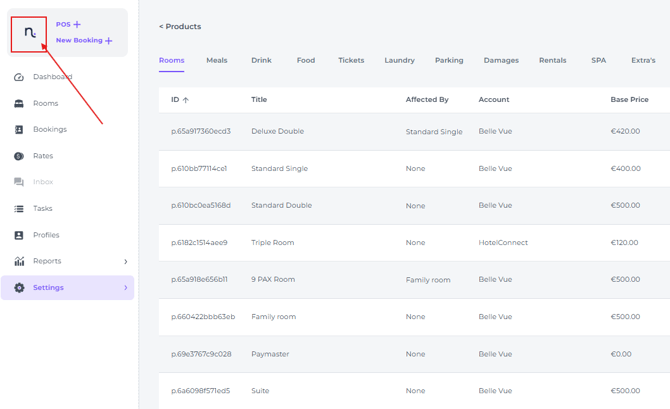
- Click on your profile on the left hand top corner of the screen (for some this might be on the right hand top corner):
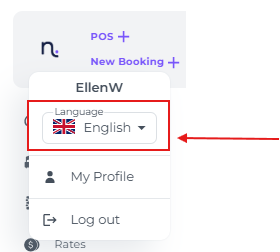
- Click on Language to open up the drop down menu:
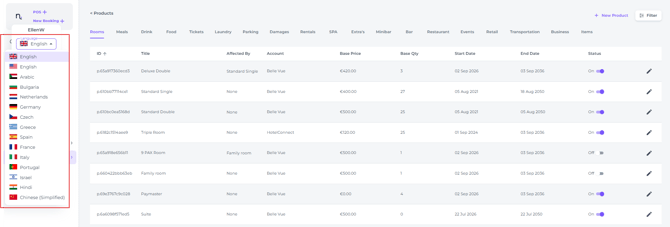
- Select the language desired:
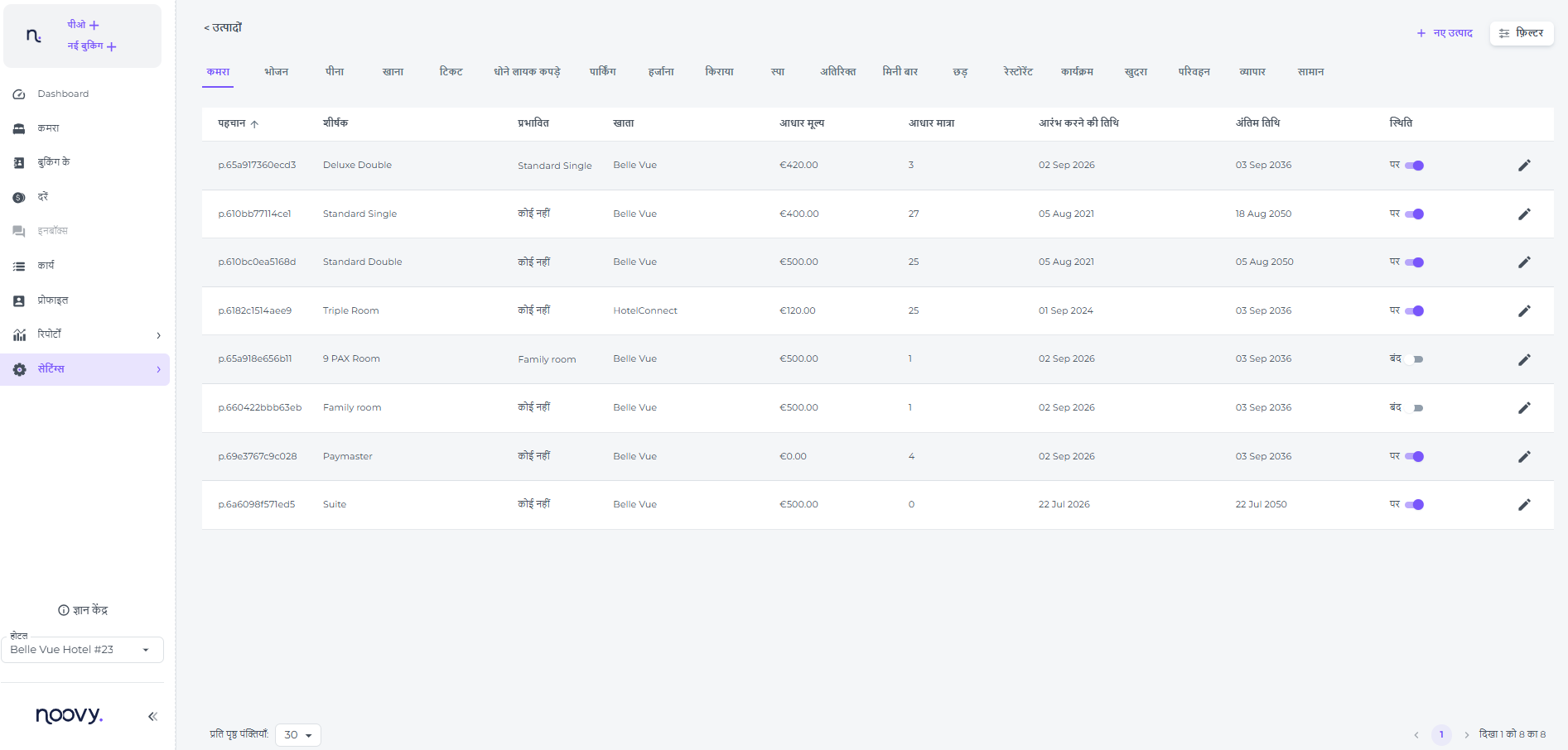
- The language for your PMS will change instanlty:
!استمتع باستخدام Noovy (Istamti' bi-istikhdaam Noovy!)
Приятно ползване на Noovy!
Užijte si Noovy!
Veel plezier met Noovy!
Profitez bien de Noovy !
Viel Spaß mit Noovy!
Απολαύστε τη χρήση του Noovy! (Apolafste ti chrisi tou Noovy!)
תהנו להשתמש ב-Noovy! (Tehanu lehashtamesh be-Noovy!)
Noovy का उपयोग करने का आनंद लें! (Noovy kaa upyog karne kaa aanand len!)
Buon divertimento con Noovy!
祝您使用 Noovy 愉快! (Zhù nín shǐyòng Noovy yúkuài!)
Aproveite o Noovy!
¡Disfruta usando Noovy!