Steps to take in order to move a payment to a specific document:
- Payments which are not attached to a document will appear in the billing section like a free-standing payment:

- If a payment is attached to Proforma or Invoice you will see a small arrow under the document, indicating there is a payment attached:

- Clicking on the arrow will open up the payment:

- In both cases the steps are identical to attach the payment to the correct document.
Click on the More Action Button behind the Payment and choose Switch Proforma/Invoice :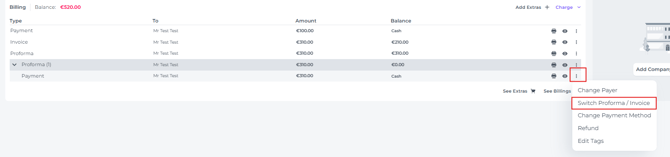
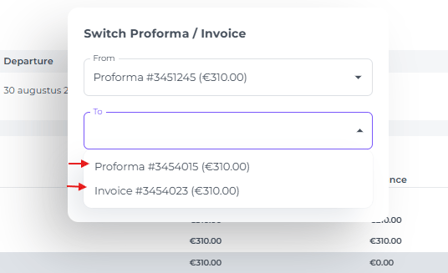
- In the pop up screen that appears you choose the correct document the payment should be attached to:
- Hit Save:
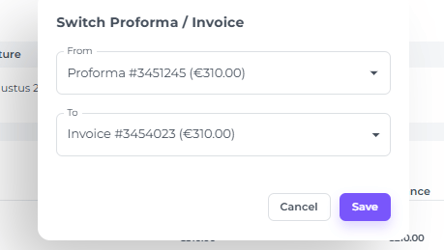
- The payment has now been moved from the Proforma and attached to the Invoice:
