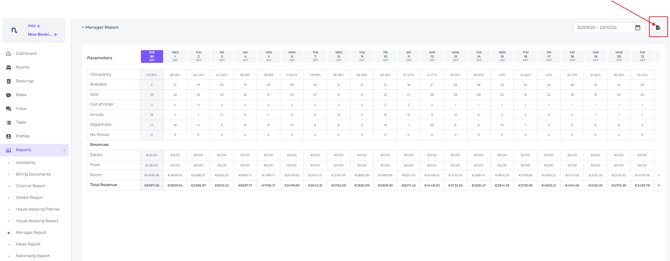
The Manager Report is an essential tool for monitoring operational DAILY performance at a glance, providing managers with a high-level global overview of current activity.
While the report displays various itemtype revenue per date (Extra's, Food and Rooms), we recommend using the Revenue Report for in depth revenue or the On Books Report for more granular insights into metrics such as RevPAR and ADR.
-
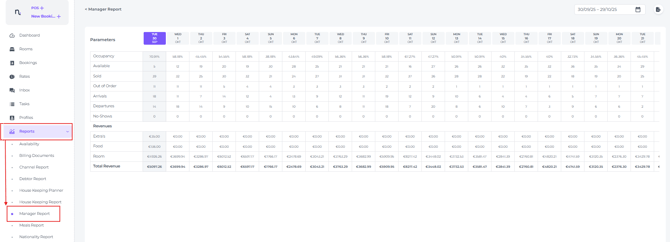
The Manager Report can be found in the main menu under Reports - Manager Report:
-
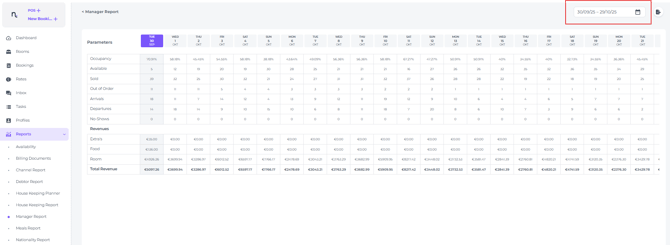
Select the period you would like to view the details for in the date range picker:
💡Usage Tip:
Use the sliding bar at the bottom (click and hold the mouse button, move from left to right) to view the table when a longer period is selected: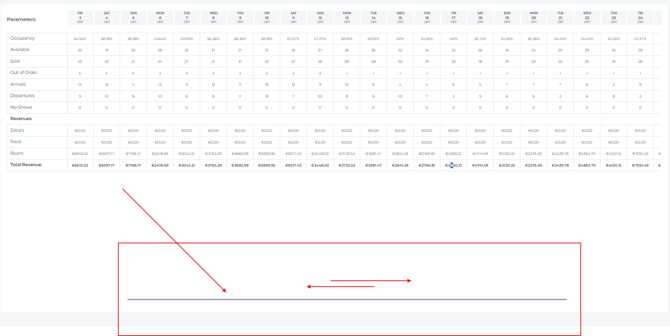
-
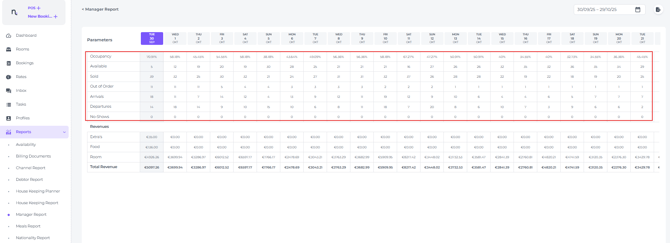
Various metrics are shown in the top half of the report:
-
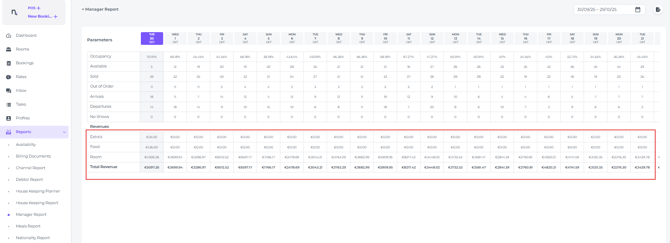
The revenue for each itemtype sold will be shown in the bottom half of the report:
-
Via the Export button you can export the report into an Excel format: