The Tasks function allows you to stay organised by having a clear overview of ongoing and upcoming tasks within your team and set reminders for specific tasks that need to be completed at a set time. Upcoming tasks are designed to help you schedule reminders for specific activities that need to be completed by a set time, such as:
- Delivering flowers to a room
- Collecting an order
- Service or cleaning a specific area
- Assembling meeting materials
- Submitting reports
....And much more.
🌞 Start your morning well prepared!
On the system's Dashboard, you can quickly view a summary of your assigned tasks and check them off efficiently:

-
To explore your tasks in detail, go to the main menu and select Tasks:
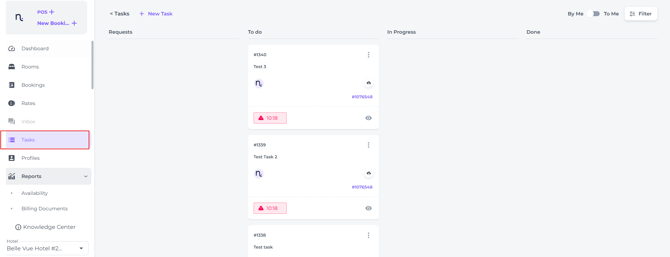
View tasks
By default, the Tasks section and dashboard only show tasks that are specifically assigned to you or to groups of which you are a member. You can view tasks assigned to other users or different groups:
- Use the toggle located in the top right corner, next to the Filter Button:
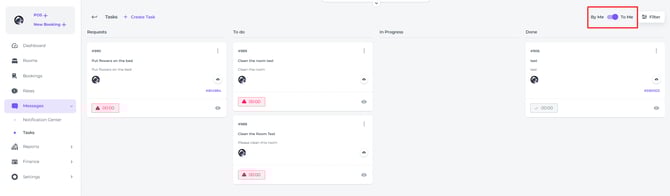
Filter
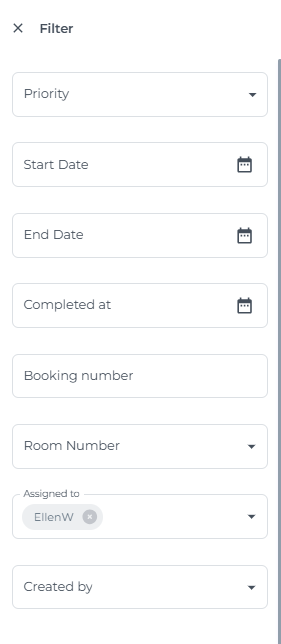
- Use the Filter to search for tasks:
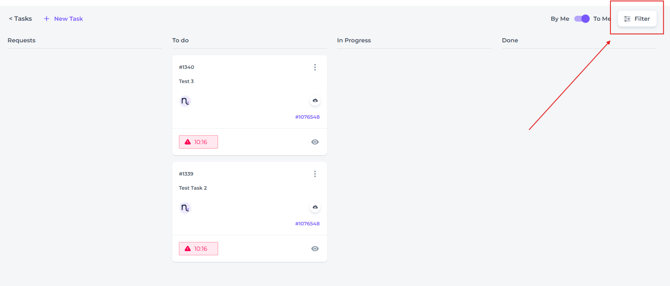
How to organise Tasks
Easily organise your tasks by using the drag-and-drop feature, allowing you to categorise them as requests, to-dos, in progress, or completed tasks.
- Simply click and hold the task you would like to move and drag it to the desired status:
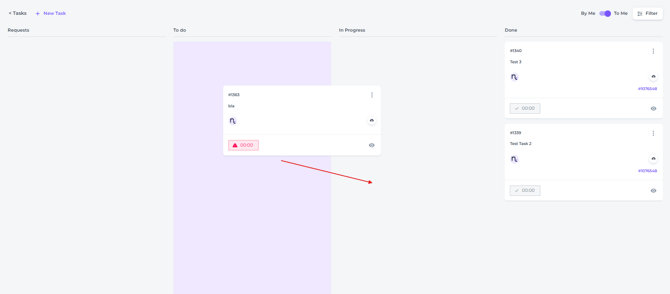
☝️When statuses of taken orders are changed after you have accepted, completed, etc., this will also be immediately updated in the Dashboard.
-
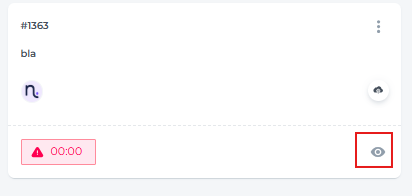
Clicking on the eye icon in a specific task will open it:
-
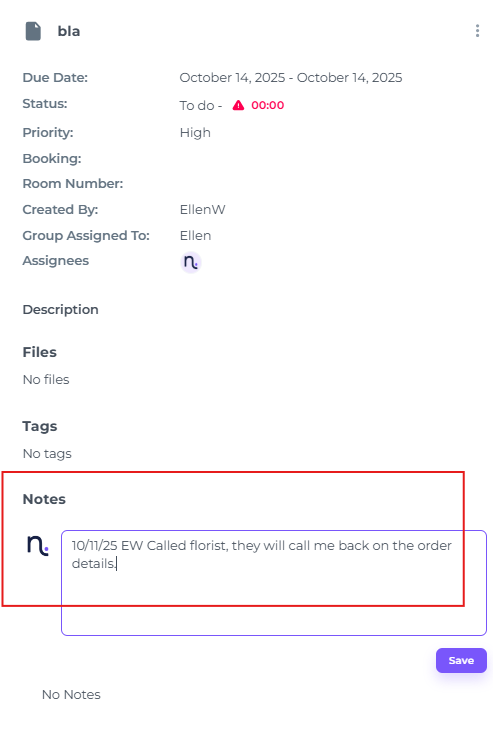
You can also add a note to a task to highlight any special instructions or important details, making it clear to yourself and your team what unique features or requirements are associated with that task: